“Price will enter this zone before time runs out.”
Getting started
1
Open Mesha
Access Mesha via web browser or mobile PWA at mesha.fun.
2
Create your account
Sign up with your preferred login method.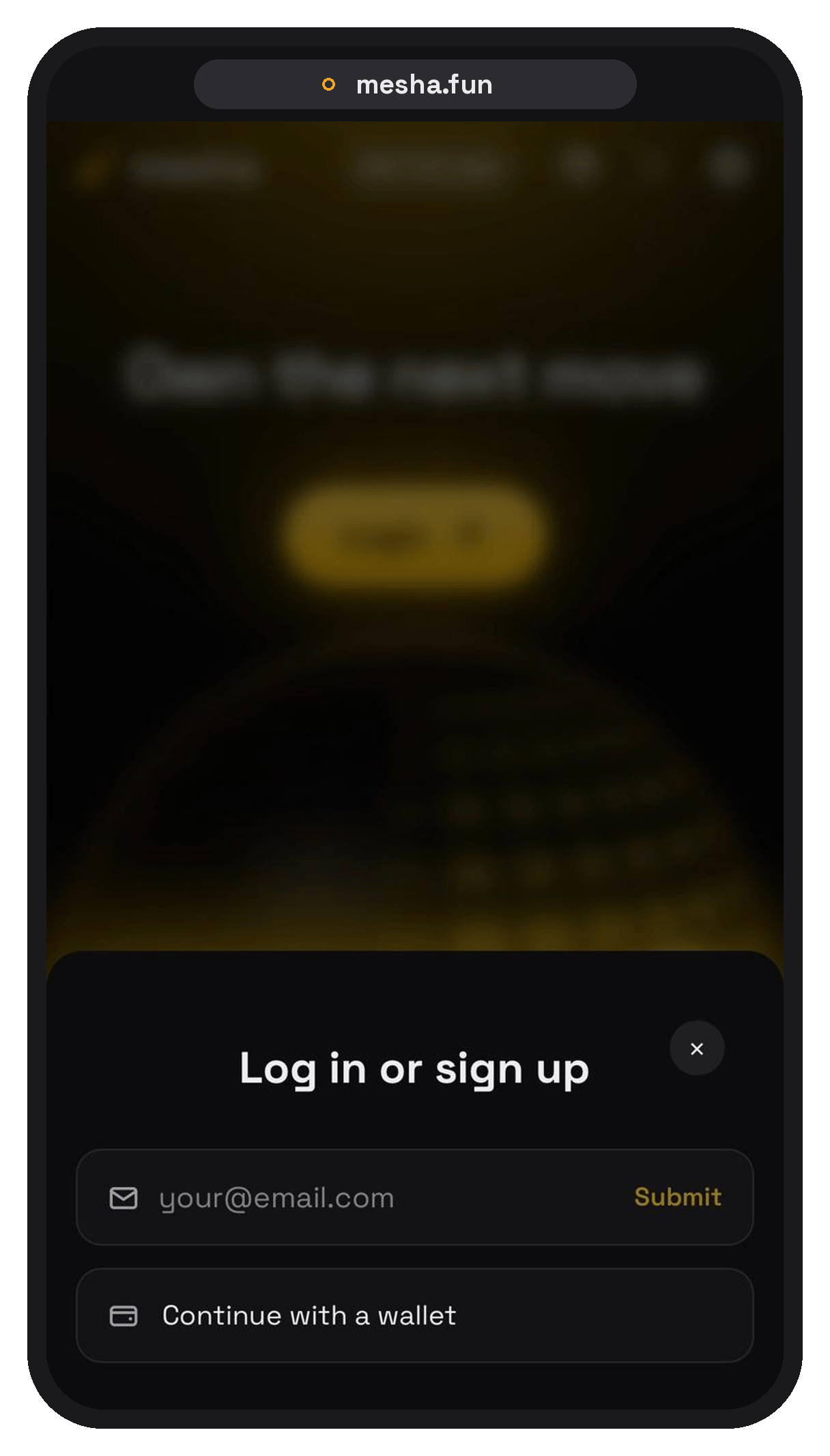
3
Install on mobile (optional)
On mobile, add Mesha to your home screen — it opens like a regular app.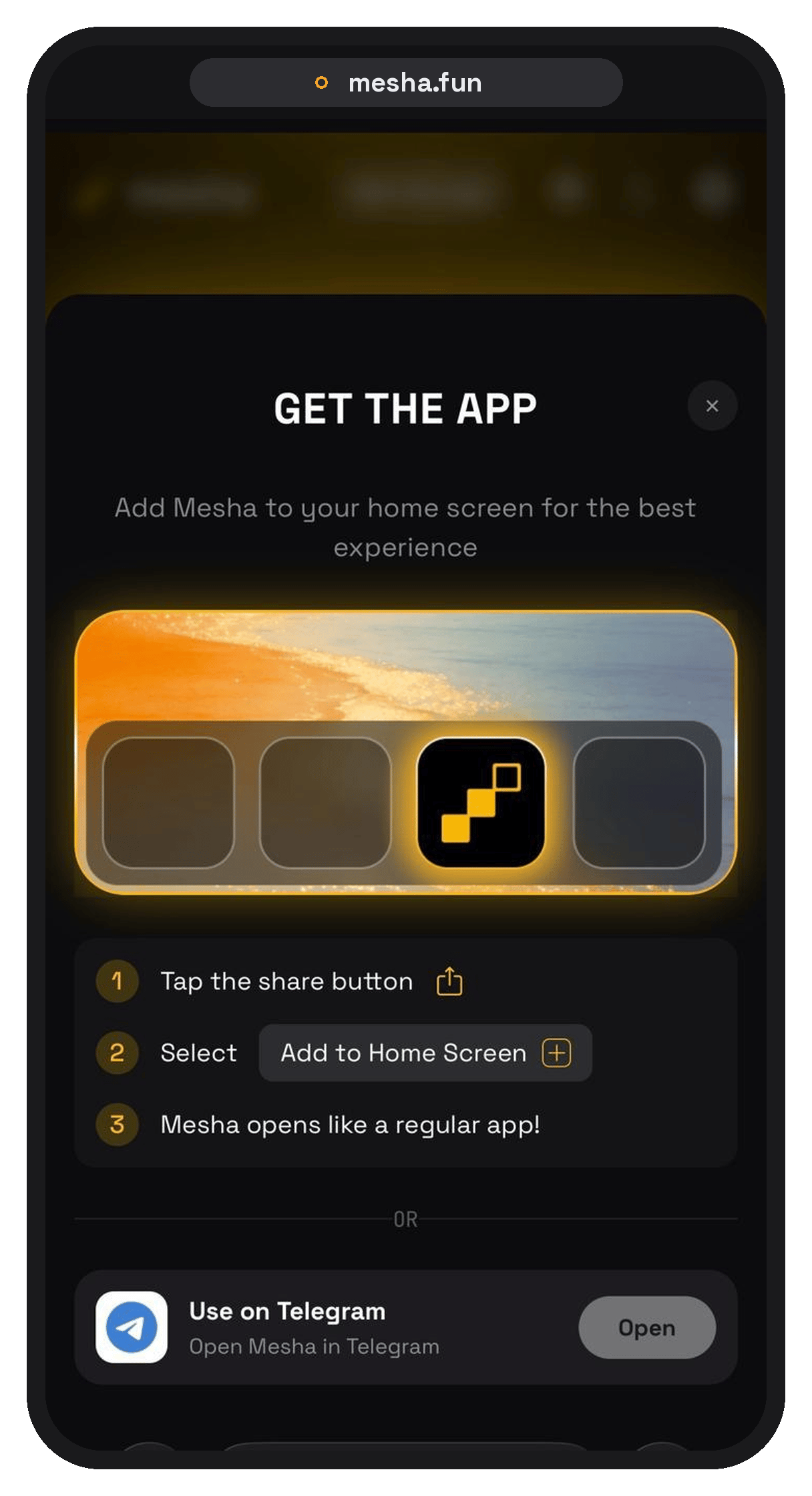
Fund your account
Deposit USDC or USDT from any major chain: Ethereum, Base, Arbitrum, BSC, Polygon.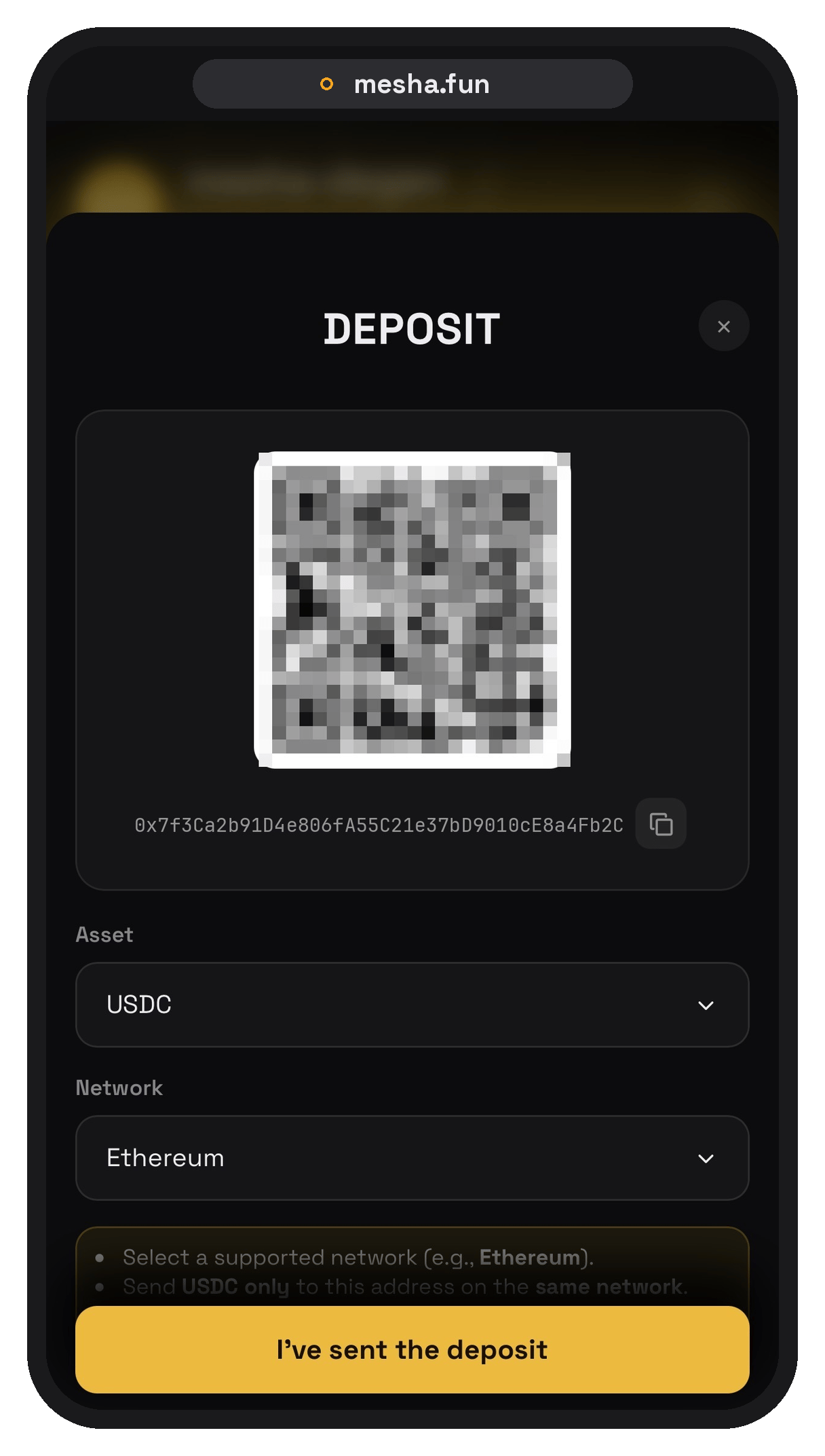
Select your tap size
Your tap size defaults to $1. Change it by tapping the dollar icon in the bottom-right corner. Whatever you set here is the amount you trade per tap.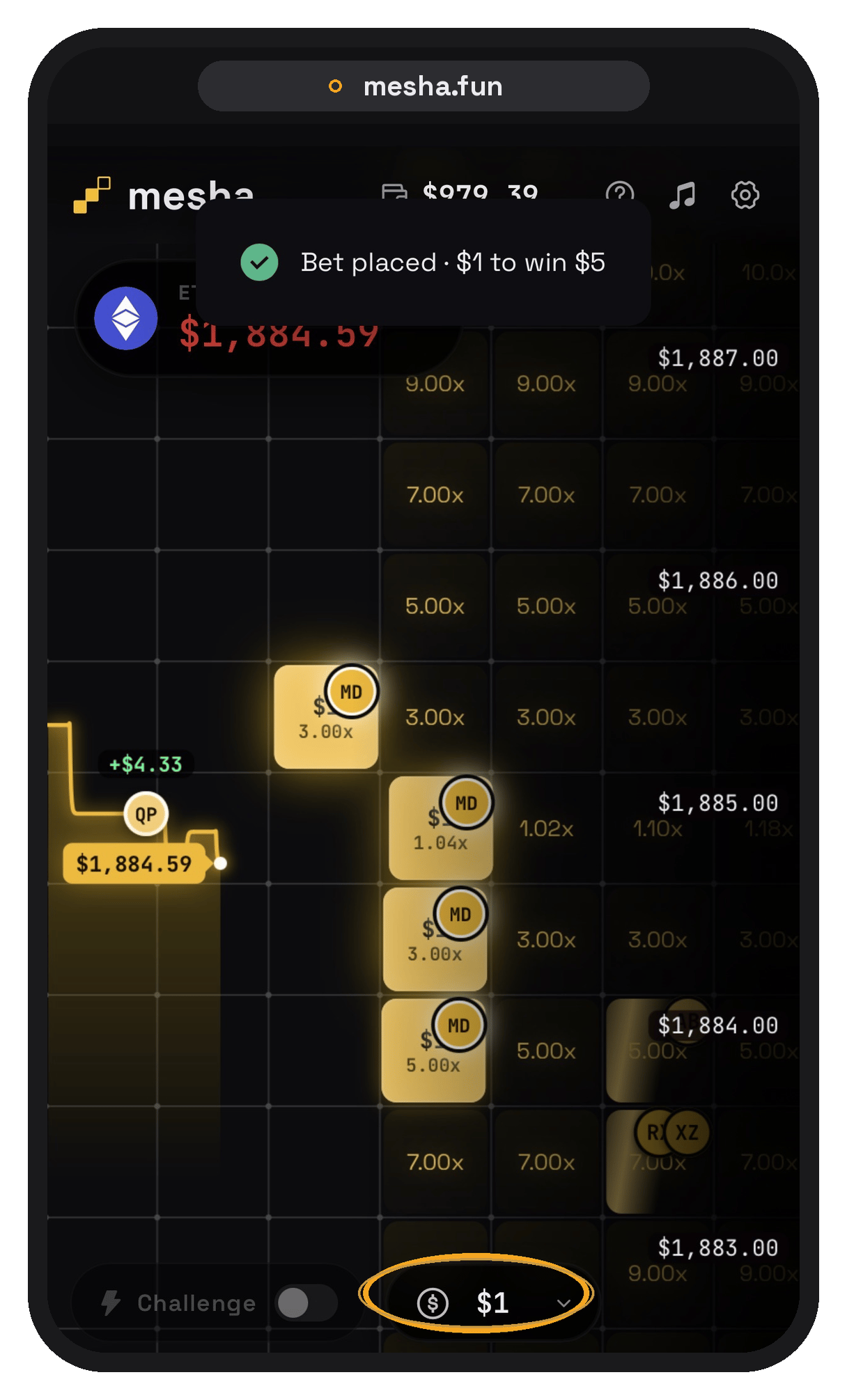
Tap the dollar icon in the bottom-right to change your tap size
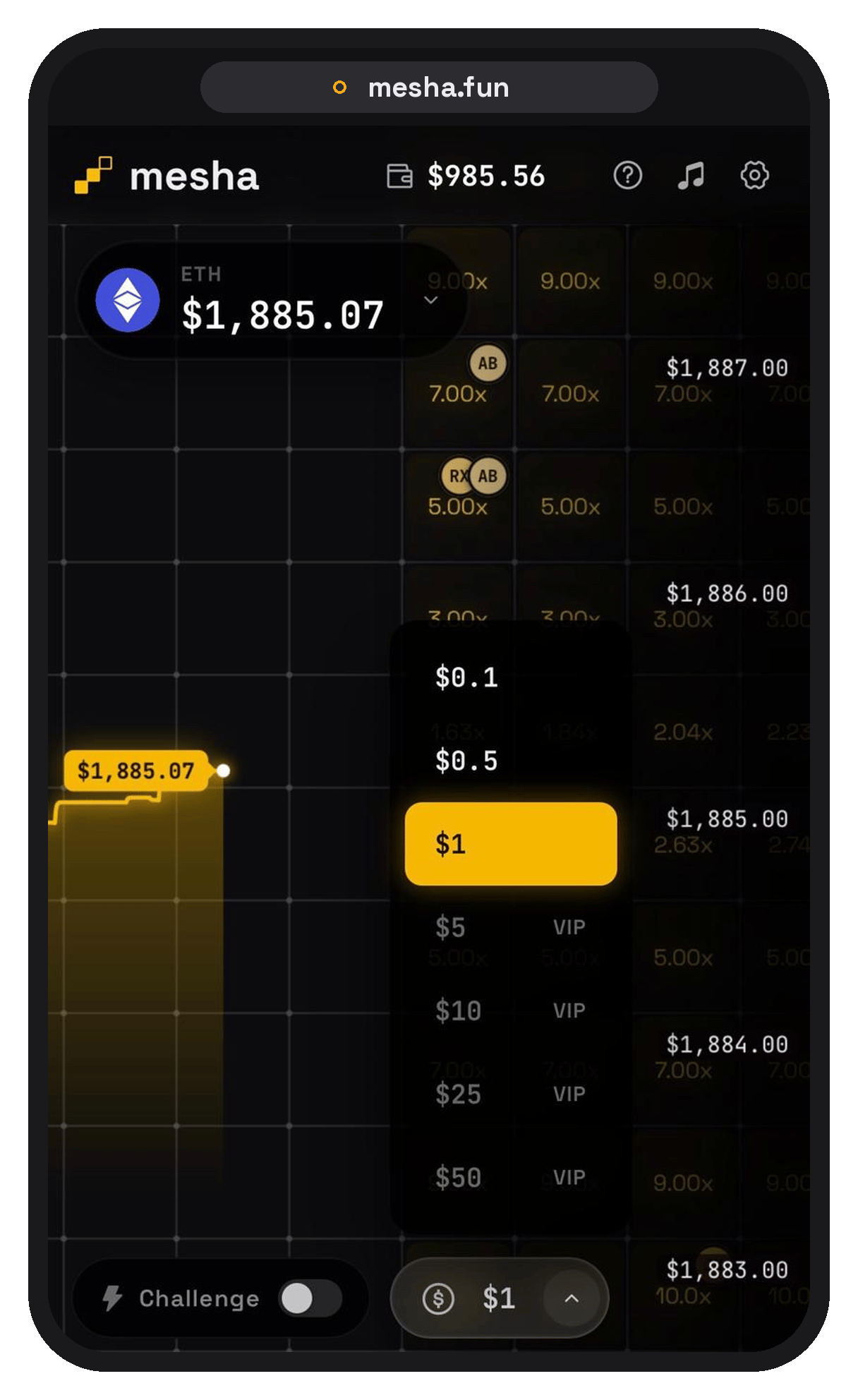
Pick your stake per tap
Read the grid
The grid is made of price zones — tiles. Each tile is a target range price can reach within a short time window.- Closer tiles → easier to hit → lower payout
- Farther tiles → harder to hit → higher payout
Tap a tile
Tap the tile you think price will reach to place a trade.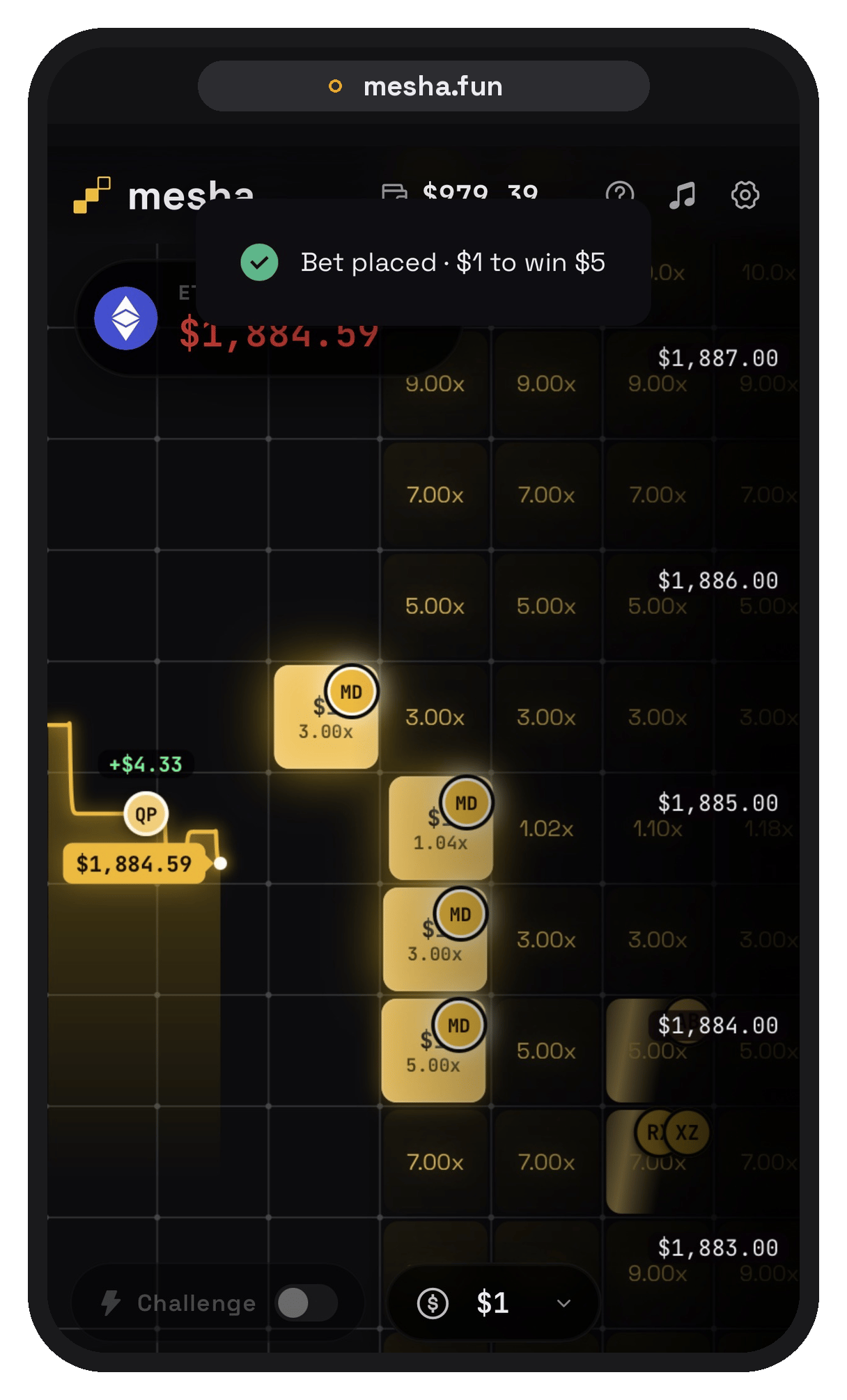
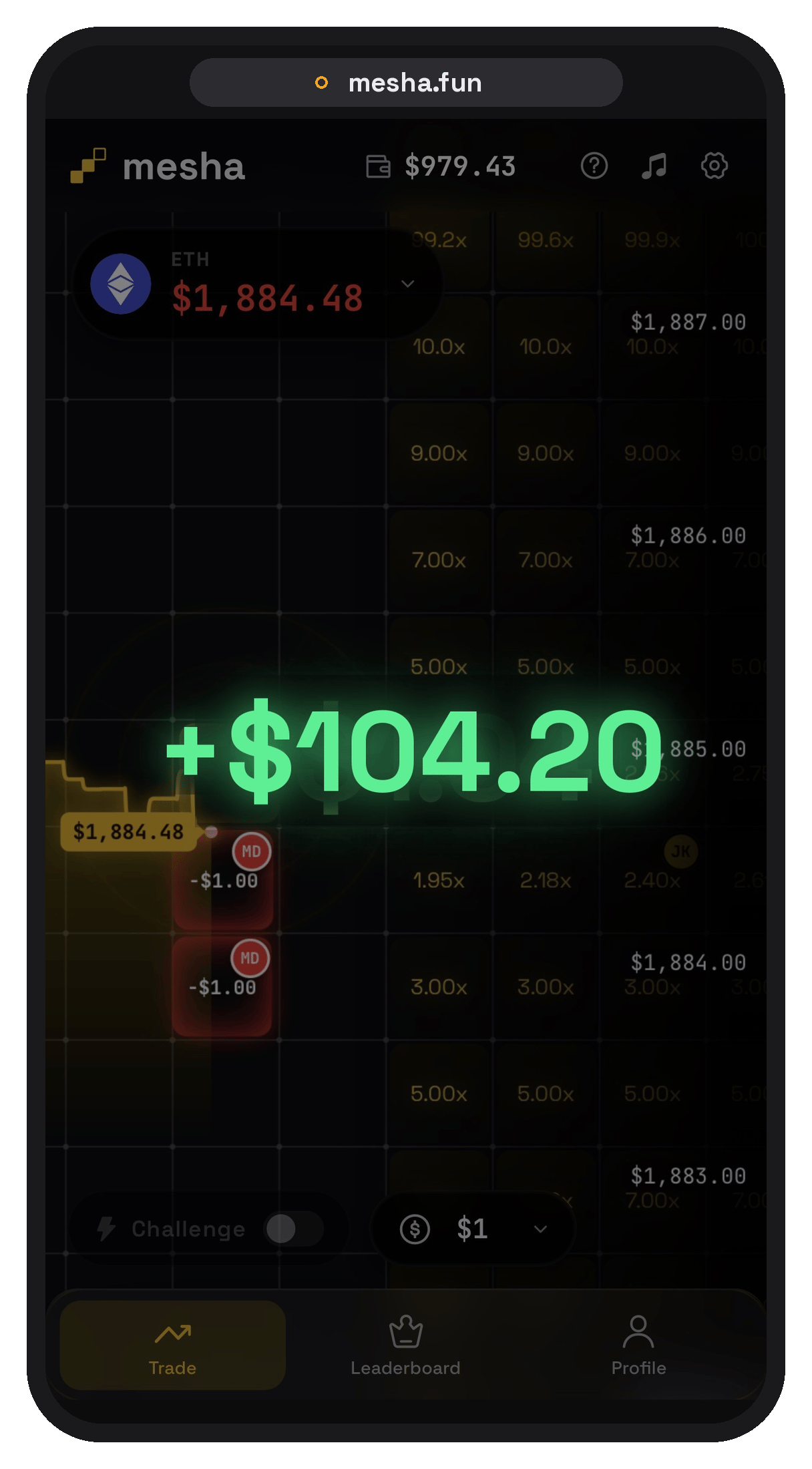
Know the win condition
You win if price enters your tile at any point before the price line passes it.- It does not need to stay there
- It just needs to touch the zone once
Climb the leaderboard
See how you stack up against other tappers.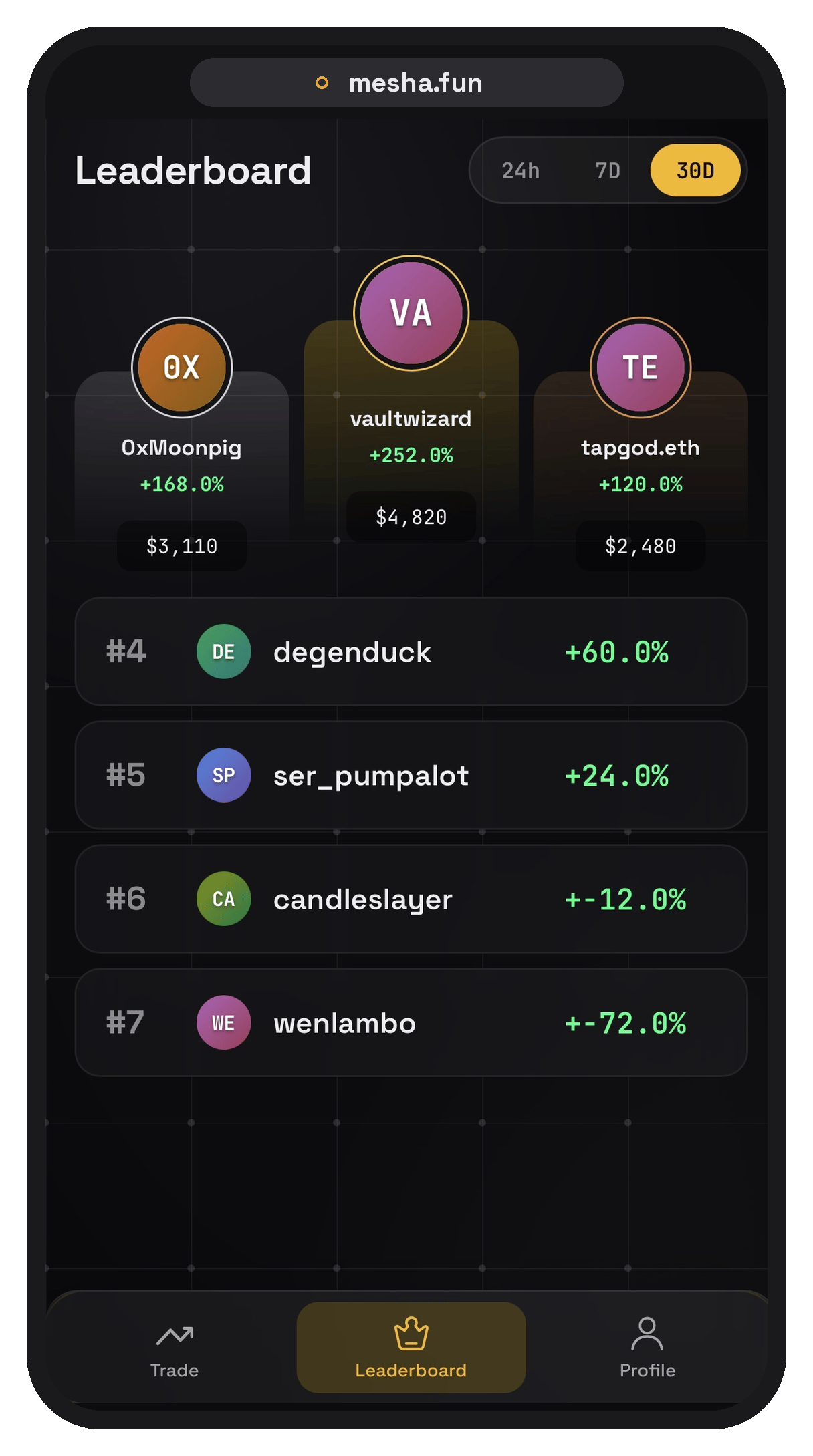
Share with friends
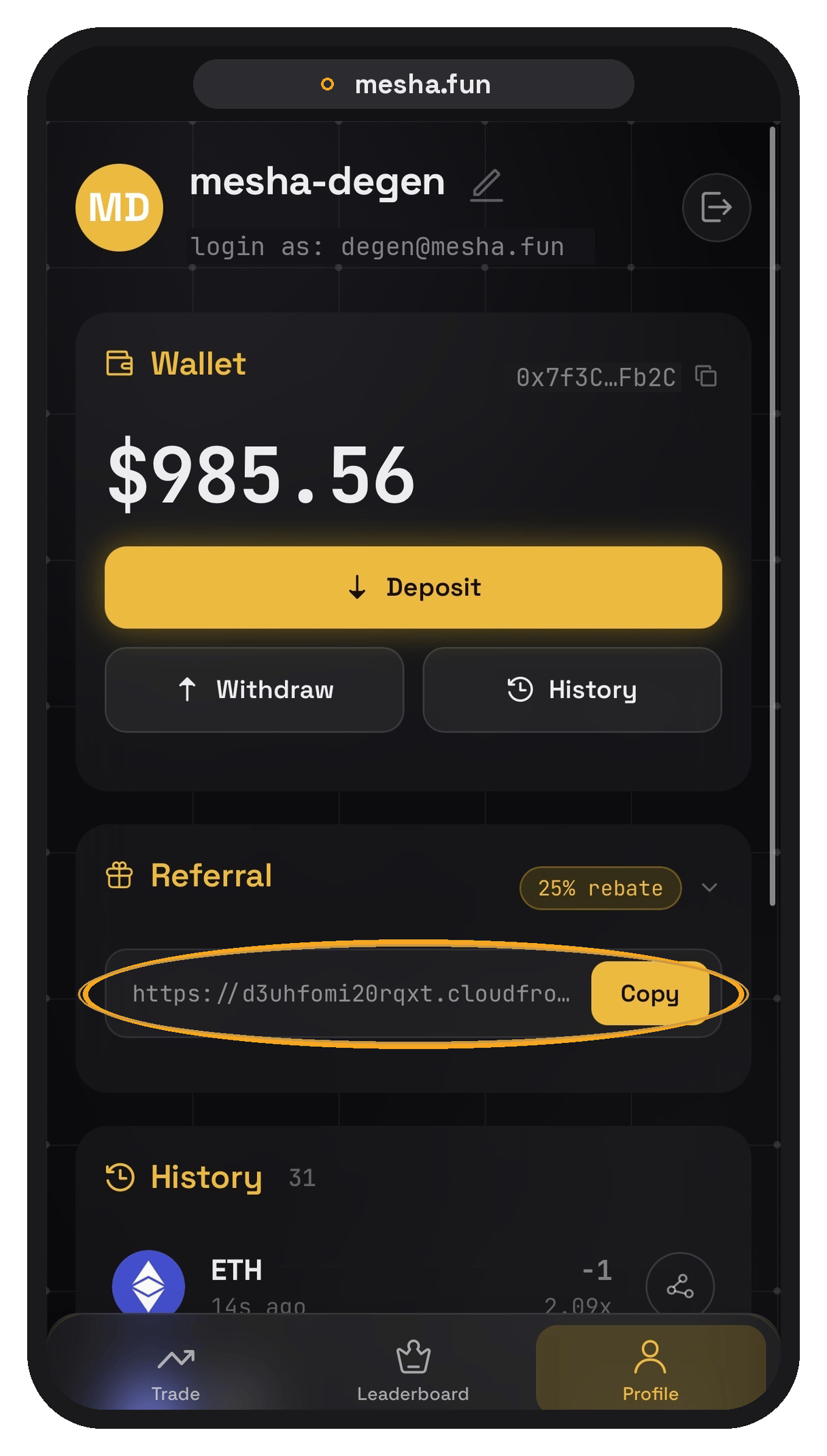
Grab your referral link in your profile and share Mesha with friends.